
Guide, United States
How to watch over family with the Situation screen
The Situation screen is our free, always on page of public alerts. It is made for a phone, a desk monitor or a spare TV: one map, one plain status line and one feed. This guide shows how to set it up for the houses you look out for.
What it shows
- A map and a feed of public alerts and warnings for your country.
- A plain status line that says whether anything near your pins is serious, and stays quiet on a quiet day.
- A clock and the readiness checklist.
If a feed is down, the screen says so. Old data is never shown as live. It does not replace official warnings, your local alerts or emergency services: if you are told to act, act on that.
Step 1: pin home
Type your town or ZIP and pin home. The place you type is looked up once, on request. Your pins are saved in this browser only and are never sent to us.
Step 2: add the people you watch over
With free access (just an email, no password) you can add more pins: your parents' house, the kids' school, a brother across the state. You can also choose an alert radius, turn on browser notifications, and get the daily brief.
Step 3: put it on a big screen
Ops mode goes full screen and rotates through the latest serious events. Ambient mode dims the screen and slows the motion, so a TV in the kitchen can show it all evening without burn in.
Step 4: tick off the plan
The household planner walks through your hazards one at a time. Pair it with the free 72-Hour Family Plan PDF, which has the blanks for meeting places and contacts that Ready.gov recommends.
Step 5: stock each house
When a pin shows a gap, Supply Drops uses the same pins to plan a kit for each house, and each house checks out on its own address. Start with the 72 hour kit for 4 for a family home, or read the gift guide for elderly parents.
FAQ
Is the Situation screen free? Yes. The map, feed, checklist and one home pin are free. Free access by email adds more pins, a radius, notifications and the daily brief.
Do you see where my family lives? No. Pins and your household profile are stored in your browser only.
Does it replace official alerts? No. Keep your phone's emergency alerts on and follow local officials.

Sources and last checked

Kits for this guide
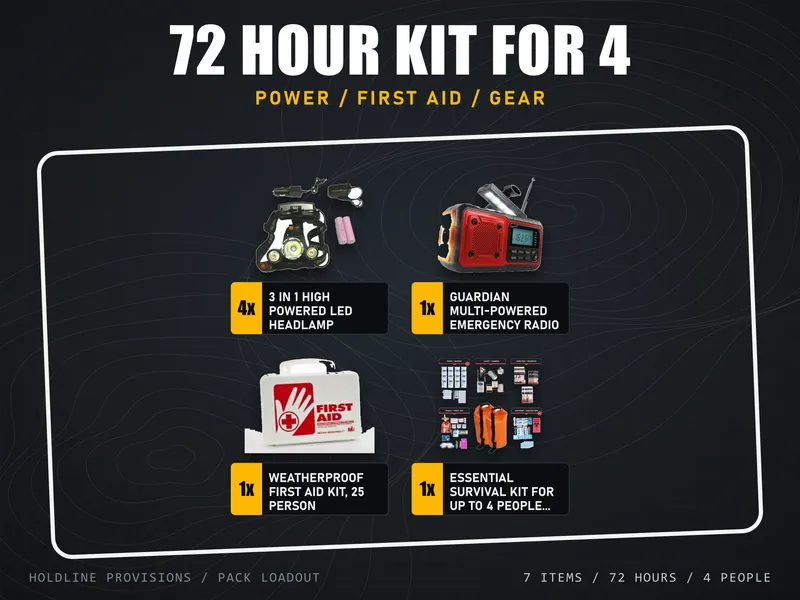
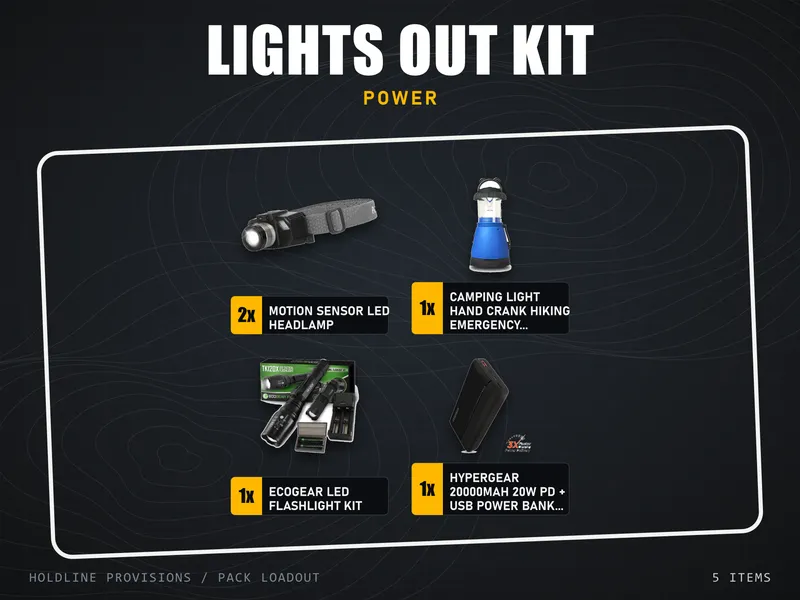


Free with any kit, or on its own: the 72-Hour Family Plan PDF.
More guides for United States
- 72 Hour Kit for a Family of Four: Full List and Quantities
- 72 Hour Kit vs Build Your Own: Which Should You Buy?
- 72-Hour Kit List for a Family, With Free Printable
- Affordable Home Security for Renters: Sensors, Locks, Lights
- Apartment Security System: A Renter Setup With No Drilling
- Best Bug Out Bag: How to Choose a Pack and a Kit
- Best Emergency Food Supply for a Family: Buckets and Bundles
- Best Emergency Power for a Home Blackout: What to Buy First
- Best First Aid Kit for Home and Car: How to Choose
- Bug Out Bag List for a Family of Four
- Car Emergency Kit List: What Goes in a Breakdown Kit
- Emergency Kit Gift for Elderly Parents: What to Send and How
- Emergency Radio Buying Guide: Hand Crank and NOAA Weather
- Home Security for Renters: No-Drill Options
- Pet Emergency Kit List: What Your Dog or Cat Needs
- Power Outage Emergency Kit: Full List and Safety Rules
- Prepping for Beginners: A Calm 7-Day Plan
- Starter Cordless Tool Kit for Emergencies at Home
- Winter Storm Preparedness Kit: A Checklist for Home